
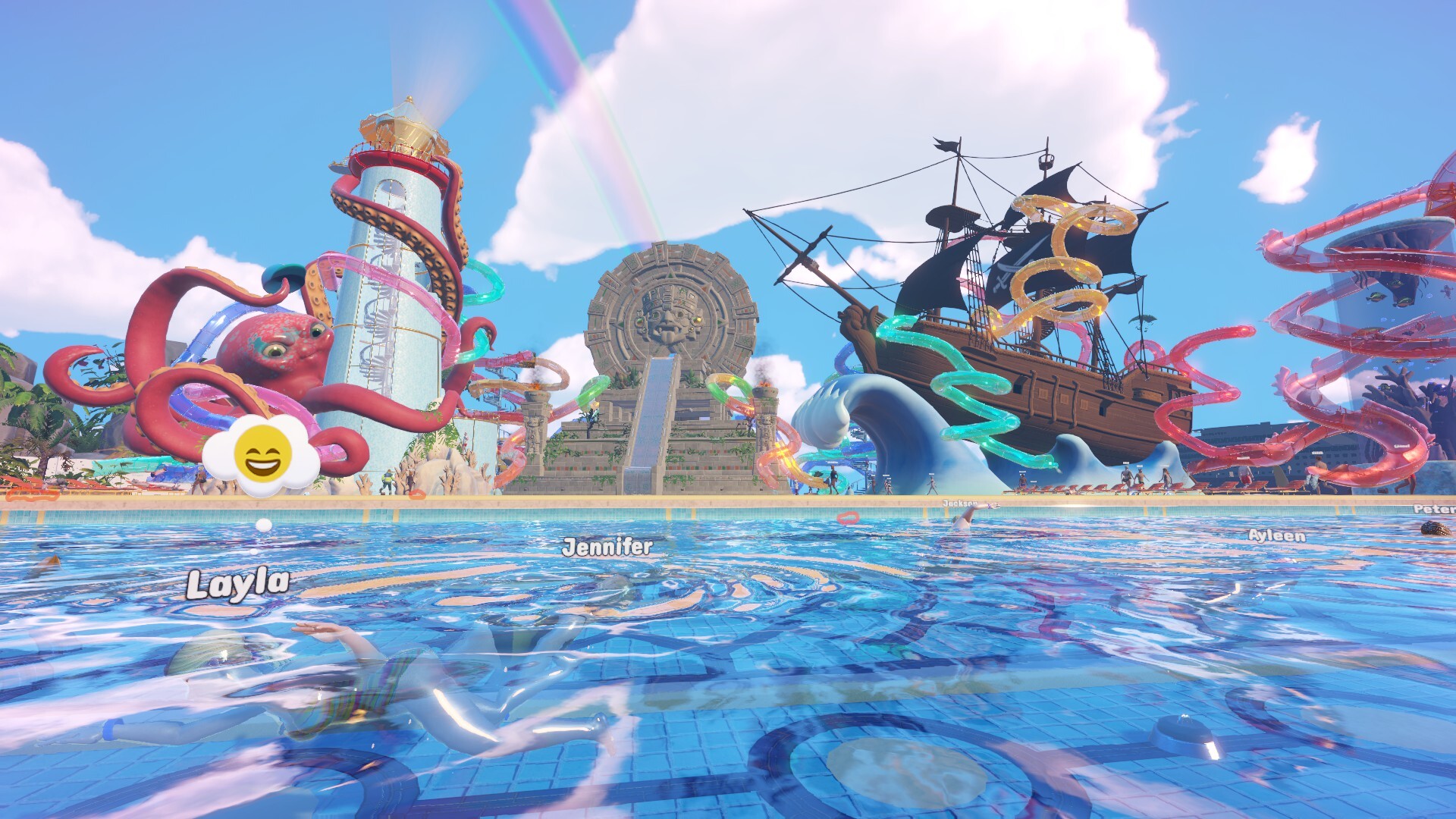
Start with the verified four-player scope
- Total players
- 4
- Proximity voice
- Optional
One player plus up to three friends or strangers.
A version 1.0 communication choice.
Version 1.0 lets the player join up with as many as three friends or strangers. That makes the confirmed session size four total players. The wording supports both familiar groups and sessions with people you do not already know. It does not provide enough detail in this handoff to describe platform-specific matchmaking, host permissions, or persistence rules, so those subjects should be checked in the current game interface rather than inferred here.
The shared park still uses the same core systems: slides and pools, tickets and food, cleaning and repairs, rescues and staff, guest happiness, research, and the park rating. Multiplayer changes how many people can work inside that system, not what the system is made of. A useful setup therefore begins with the park objective rather than with a list of imagined multiplayer-only mechanics.
Before the session starts, choose one clear outcome: stabilize an existing park, build a new attraction area, advance a research branch, or inspect the rating. The group can move between responsibilities as the park changes. Keeping the objective small enough to describe in one sentence makes it easier for four people to recognize whether their work is supporting the same result.
Divide attention, not the park into permanent jobs
Construction, service, maintenance, and progression are useful attention lanes. One person can shape a slide while another monitors food or cleanliness, and a third can handle repairs or rescues. A fourth can watch staff, visitor control, or research. These are starting responsibilities, not permanent classes. The first-person park changes moment by moment, so the group should be ready to move toward the problem that is currently visible.
Use the four rating inputs as a common status board. Cleanliness tells the group about park condition. Slide fun points toward the attraction experience. Food quality points toward guest-facing service. Guest happiness reflects the broader result. When someone proposes another build, the group can ask which input or objective it is intended to improve. That keeps expansion connected to a shared reason instead of allowing several unrelated projects to fragment the park.
Avoid assigning unsupported numbers to the plan. The official material does not give a best number of builders, cleaners, or staff managers for a four-player session. The practical test is whether responsibilities remain visible and whether the park can still be understood from ground level. If work is being duplicated while another problem is ignored, change the assignment rather than treating the original division as a rule.
| Attention lane | Typical shared objective | When to hand off |
|---|---|---|
| Construction | Slides, pools, and readable expansion space | When the new area creates service or maintenance work |
| Guest service | Tickets, food, and food-quality attention | When another rating input becomes the immediate problem |
| Direct operations | Cleaning, repairs, and rescues | When the active issue moves elsewhere in the park |
| Staff and control | Security, Mascots, Star Staff, and guest happiness | When the role purpose no longer matches the current problem |
| Progression | Museum research branches and five-star planning | When the park needs stabilization before another unlock or build |
Use proximity voice as an optional coordination layer
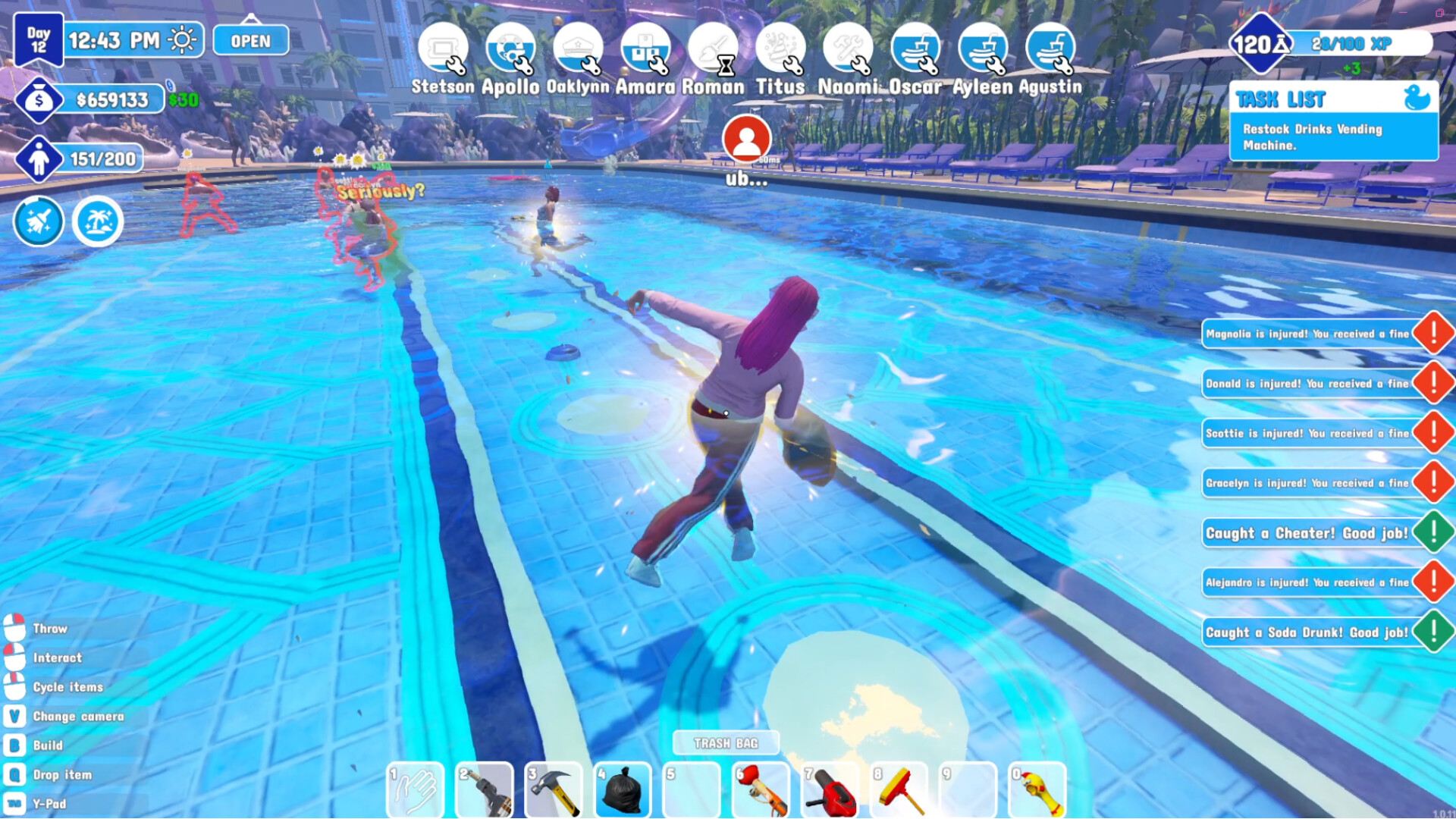
The version 1.0 announcement identifies proximity voice chat as optional. That means the communication feature can support nearby coordination without becoming a requirement for every group. Players who want an in-world sense of distance can use it; groups that prefer another communication method can keep their usual channel. The official handoff does not define range, audio controls, moderation tools, or platform differences, so this guide does not publish those details as facts.
Proximity voice is most useful when responsibilities are tied to physical areas. A builder and an operator working near the same attraction can discuss the immediate route, pool, or maintenance issue. When the team spreads across the park, pair local conversation with a clear session objective so distant players still understand what the group is trying to accomplish.
Communication should reduce duplicated work and surprise construction. Before changing a major route, tell the group what the build is meant to solve. Before leaving an operating lane, name the problem that remains. That habit matters whether voice is on or off. The park is a shared first-person space, and readable decisions are more valuable than constant chatter.
Frequently asked questions
How many people can play Waterpark Simulator multiplayer?
Version 1.0 supports the player plus up to three friends or strangers, for four total players in a park session. The reviewed handoff does not describe platform-specific matchmaking, host permissions, or save ownership, so those details should be checked in the current game interface.
Is proximity voice chat required?
No. The official version 1.0 announcement describes proximity voice chat as optional. Use it when nearby communication helps the group, or use another communication method. The handoff does not provide verified range, moderation, or platform details, so this guide does not invent them.
What is the best way to divide multiplayer work?
Use flexible attention lanes: construction, guest service, direct operations, staff and control, and progression. They are not fixed classes. Change ownership when the park’s visible needs change, and use cleanliness, slide fun, food quality, and guest happiness as a shared inspection vocabulary.